
If you have spent any time learning programming, web development, Python, data science, JavaScript, or software development, you have probably heard of Visual Studio Code, commonly called VS Code.
But why is VS Code so popular?
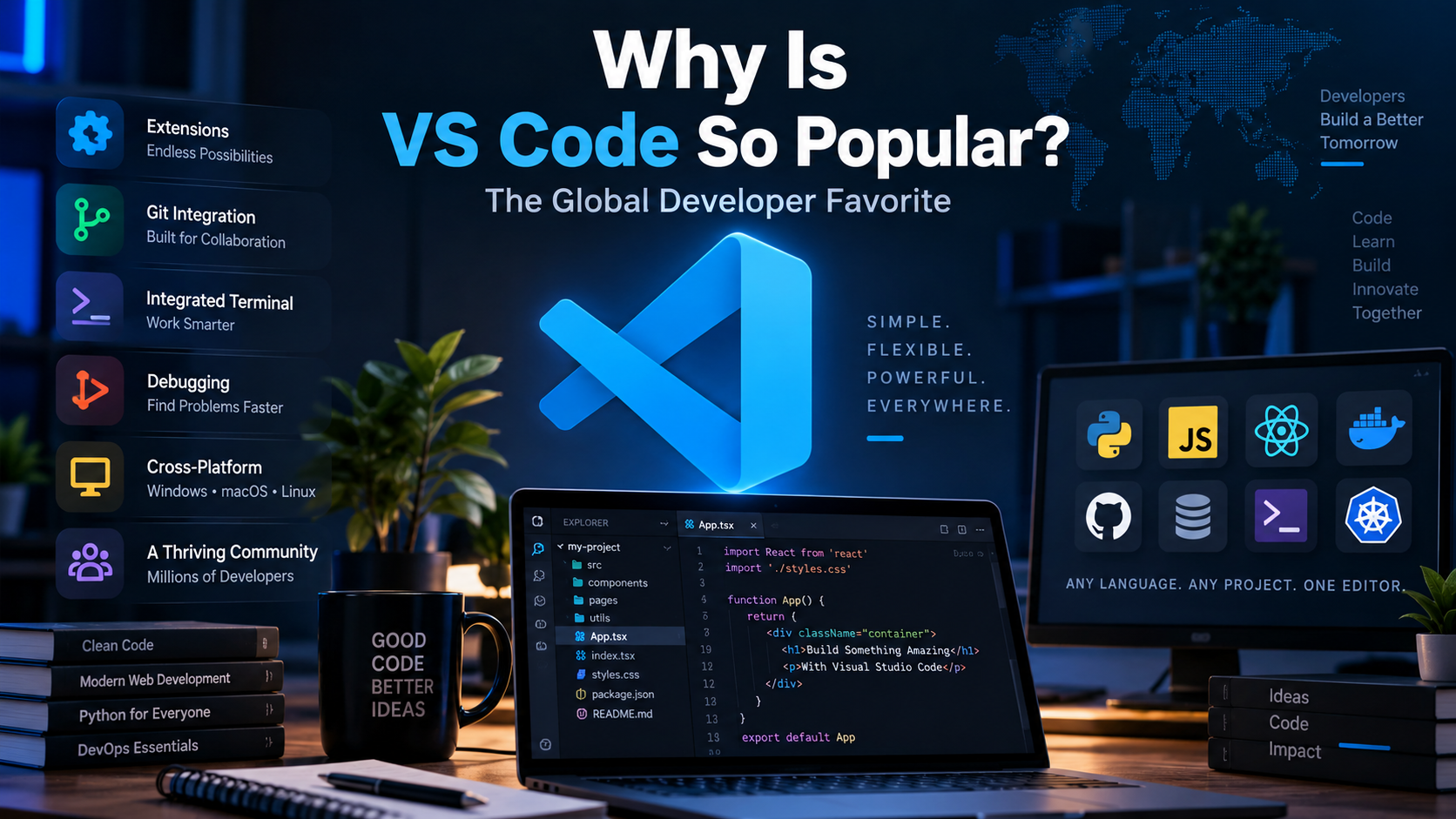
There are many code editors and IDEs available today, including Visual Studio, IntelliJ IDEA, PyCharm, Eclipse, Sublime Text, Vim, Neovim, Cursor, and others. Despite this competition, VS Code has remained one of the most widely used development environments in the world.
According to the 2025 Stack Overflow Developer Survey, Visual Studio Code remained the most-used development environment, with 75.9% of respondents reporting that they use it. Stack Overflow also reported that VS Code has maintained its leading position for five years.
So what makes VS Code different?
The answer is not just one feature. Its popularity comes from a combination of free availability, cross-platform support, speed, extensions, Git integration, debugging, customization, AI capabilities, community support, and its ability to work with almost any technology stack.
Let’s understand the major reasons.
What Is Visual Studio Code?
Visual Studio Code is a lightweight, extensible source-code editor developed by Microsoft.
It is important to clarify something: VS Code is technically a code editor, not a traditional full IDE like Visual Studio or IntelliJ IDEA.
However, VS Code can become an IDE-like development environment when developers add extensions and configure tools for their particular programming language or framework.
Microsoft describes VS Code as combining the simplicity of a source-code editor with developer tools such as IntelliSense, debugging, source control, and an extensive extension system.
VS Code was originally introduced by Microsoft in 2015 and has since developed into a major part of the modern software-development ecosystem.
The project is also developed publicly through GitHub. The VS Code repository currently has well over 190,000 GitHub stars, demonstrating the enormous level of interest surrounding the project.
1. VS Code Is Free
One of the biggest reasons for VS Code’s popularity is simple:
You can use it for free.
A beginner does not need to purchase an expensive development environment just to start learning programming.
A student learning Python can install VS Code.
A web developer can install VS Code.
A professional developer can install VS Code.
A developer working on open-source projects can use VS Code.
This dramatically reduces the barrier to entry for programming.
For students and beginners especially, this matters. Someone can install VS Code on a personal computer and immediately start learning HTML, CSS, JavaScript, Python, C, C++, Java, or many other technologies.
2. It Works on Windows, macOS and Linux
Another major advantage is cross-platform compatibility.
VS Code officially supports:
- Windows
- macOS
- Linux
Microsoft specifically designed VS Code to work across these major operating systems.
This is important because developers don’t all use the same operating system.
A web developer might use Windows.
A software engineer might use Linux.
A designer or developer might prefer macOS.
Instead of learning a completely different editor after changing operating systems, developers can continue using VS Code.
That consistency helps build long-term familiarity.
3. The Extension Ecosystem Is Extremely Powerful
If there is one feature that explains a large part of VS Code’s success, it is probably the extension ecosystem.
VS Code starts as a relatively simple editor, but developers can extend it according to their needs.
For example, you can install extensions for:
- Python
- C/C++
- Java
- JavaScript
- TypeScript
- Java
- PHP
- Go
- Rust
- Docker
- GitHub
- Kubernetes
- SQL
- Markdown
- AI coding assistants
Microsoft says VS Code supports almost every major programming language, with language-specific functionality available through built-in capabilities and extensions.
This creates a powerful idea:
Instead of building a completely different editor for every programming language, VS Code provides one flexible platform that can adapt to different developers.
Microsoft has previously reported more than 100,000 extensions in the VS Code Marketplace, showing the scale of its extension ecosystem.
4. Developers Can Customize Almost Everything
Different developers have different preferences.
Some like dark themes.
Some prefer light themes.
Some want minimal interfaces.
Others want many development tools visible at once.
VS Code allows developers to customize their environment through:
- Themes
- Extensions
- Keyboard shortcuts
- Settings
- Profiles
- Workspace configuration
- Icons
- Formatting tools
- Linters
- Debuggers
Microsoft’s documentation highlights customization through settings, profiles, extensions, layouts, and keyboard shortcuts.
This flexibility makes VS Code useful for beginners and experienced developers alike.
A beginner can keep the interface simple.
An experienced developer can build a highly customized development environment.
5. Built-in Git and Source Control
Modern software development almost always involves version control.
Git is one of the most widely used version-control systems, and VS Code integrates Git directly into the editor.
Developers can use VS Code to:
- View changed files
- Review differences
- Stage changes
- Commit changes
- Create and switch branches
- Resolve merge conflicts
- Work with repositories
- Collaborate with GitHub
This means developers don’t necessarily need to switch between their editor and another application every time they want to check source-control changes.
VS Code’s official documentation describes integrated Git support for reviewing, staging, committing, branching, and resolving conflicts.
For professional development teams, this integration can make everyday workflows much smoother.
6. It Includes an Integrated Terminal
Another reason developers love VS Code is the integrated terminal.
Instead of constantly switching between the code editor and a separate terminal window, developers can open a terminal directly inside VS Code.
You can run commands such as:
python app.py
npm install
npm run dev
git status
git commit
pip install pandas
You can also use different shells and keep multiple terminals open.
This becomes especially useful for developers working with:
- Python
- Node.js
- React
- Next.js
- Django
- Flask
- Docker
- Git
- Linux commands
- Cloud tools
The integrated terminal helps bring coding, command-line tools, and project files into one workspace.
7. Excellent Support for Programming Languages
VS Code isn’t limited to one programming language.
Its ecosystem supports a huge range of technologies.
For example, a developer can use VS Code for:
| Technology | Typical Use |
|---|---|
| Python | AI, ML, automation, backend |
| JavaScript | Web development |
| TypeScript | Modern web applications |
| HTML | Web page structure |
| CSS | Web page styling |
| C/C++ | Systems and application development |
| Java | Backend and enterprise applications |
| PHP | Web development |
| Go | Backend and cloud development |
| Rust | Systems programming |
| SQL | Database development |
| Markdown | Documentation and technical writing |
Microsoft’s language documentation lists support for technologies including Python, C++, C#, Java, JavaScript, PHP, Go, Rust, Ruby, Swift, TypeScript, HTML, CSS, and many others.
That makes VS Code particularly attractive to developers who work across multiple technologies.
8. Powerful IntelliSense and Code Intelligence
Writing code manually can be slow and error-prone.
VS Code provides IntelliSense, which can offer code completion, parameter information, navigation, and other language-aware features.
For supported languages, developers can get features such as:
- Code completion
- Go to Definition
- Find References
- Syntax highlighting
- Refactoring
- Error detection
- Parameter information
- Documentation suggestions
These features help developers understand and navigate large projects more efficiently.
For beginners, code completion can also make learning easier because the editor provides useful contextual information while they write code.
9. Debugging and Testing Are Built In
A good development environment should do more than display code.
Developers need to find bugs, inspect variables, run tests, and understand what their application is doing.
VS Code provides debugging capabilities that allow developers to:
- Set breakpoints
- Step through code
- Inspect variables
- View call stacks
- Run debugging sessions
- Execute debugging commands
Testing can also be integrated into the editor through the appropriate language and framework extensions.
This is another reason VS Code can feel much more like a complete IDE after it has been configured for a particular technology.
10. VS Code Fits Into the AI Coding Era
The popularity of VS Code hasn’t disappeared with the rise of AI coding tools.
In fact, AI has become another major part of the VS Code ecosystem.
Developers can use AI-powered extensions and tools to:
- Generate code
- Explain code
- Find bugs
- Refactor code
- Write tests
- Understand unfamiliar projects
- Generate documentation
- Assist with development tasks
GitHub Copilot, for example, provides AI-powered coding assistance within VS Code. Microsoft’s documentation also describes AI-assisted coding capabilities in the editor.
Interestingly, the rise of AI-first coding tools has not removed VS Code’s dominance.
The 2025 Stack Overflow Developer Survey noted that newer AI-enabled tools such as Cursor and Claude Code were gaining attention, but VS Code and Visual Studio still remained the top development environments.
This demonstrates an important point:
VS Code’s ecosystem is adaptable enough to absorb new development trends instead of being replaced by every new tool.
11. It Works With Remote Development and Containers
Modern software development isn’t always performed entirely on a developer’s local machine.
Developers increasingly work with:
- Containers
- Remote servers
- Cloud environments
- GitHub Codespaces
- Docker
- Development containers
VS Code provides tooling for remote development and containers, allowing developers to work with environments beyond their local computer.
This makes VS Code useful not only for small learning projects but also for professional development workflows.
12. A Huge Global Community
Popularity creates another advantage: community.
When millions of developers use the same tool, finding help becomes easier.
If you have a VS Code problem, you can usually find:
- Documentation
- YouTube tutorials
- GitHub discussions
- Stack Overflow questions
- Blog posts
- Extensions
- Troubleshooting guides
- Community-created themes and tools
This creates a positive feedback loop:
More users → more tutorials → more extensions → more community support → more new users.
Stack Overflow’s 2025 survey received more than 49,000 responses from 177 countries, providing a broad snapshot of the global developer ecosystem.
Why Do Beginners Especially Prefer VS Code?
VS Code has become particularly popular among students and new programmers because it provides a relatively simple starting point.
A beginner can install one application and gradually add tools as they learn.
For example:
Beginner stage
A student might use:
VS Code + Python extension
Later, they may learn Git.
Then they can add GitHub workflows.
Later, they may learn Django or Flask.
Then they add the appropriate tools.
Eventually, they might work with Docker, databases, APIs, cloud services, and AI.
The same editor can grow with the developer.
This is one of VS Code’s strongest advantages.
VS Code vs Traditional IDEs
So, is VS Code better than every IDE? – No.
Different tools are better for different jobs.
For example, a developer working heavily with the .NET ecosystem may prefer Visual Studio.
A Java developer may prefer IntelliJ IDEA.
A Python developer may prefer PyCharm.
A developer working on Android applications may prefer Android Studio.
VS Code’s advantage is its generality and extensibility.
It doesn’t try to force every developer into the same workflow.
Instead, it provides a flexible foundation that developers can customize.
Why VS Code Became So Popular
The simplest explanation is that VS Code successfully combines several things developers want:
| Reason | Why It Matters |
|---|---|
| Free | Easy for students and professionals to start |
| Cross-platform | Works across Windows, macOS and Linux |
| Extensions | Add support for languages and tools |
| Git integration | Makes version control easier |
| Integrated terminal | Reduces context switching |
| IntelliSense | Helps developers write and understand code |
| Debugging | Makes finding bugs easier |
| Customization | Developers can create their preferred environment |
| AI support | Fits modern AI-assisted development |
| Community | Huge ecosystem of tutorials and resources |
| Remote development | Supports modern cloud/container workflows |
The important thing is that no single feature made VS Code successful.
Its popularity comes from the combination.
Is VS Code Still Worth Learning in 2026?
Yes.
The latest available Stack Overflow Developer Survey data shows that VS Code continues to dominate the development-environment category.
Even though new AI-native development tools are becoming increasingly popular, VS Code remains a strong choice because it is flexible, extensible, cross-platform, and supported by a massive ecosystem.
If you are learning Python, web development, JavaScript, data science, backend development, or many other technologies, learning VS Code is a practical investment.
You don’t necessarily need to master every feature.
Start with:
- Opening and managing projects
- Installing extensions
- Using the integrated terminal
- Running code
- Using Git
- Debugging
- Learning keyboard shortcuts
- Configuring your development environment
- Exploring AI-assisted development
These skills can transfer across many programming projects.
Frequently Asked Questions
Is VS Code an IDE or a code editor?
Technically, VS Code is a source-code editor. However, extensions and integrated features such as debugging, Git, testing, terminals, and language tooling allow it to function like an IDE for many development workflows.
Why is VS Code so popular?
VS Code is popular because it is free, cross-platform, highly customizable, extensible, supports many programming languages, integrates with Git and terminals, and has a huge developer ecosystem.
Is VS Code completely free?
Yes. Visual Studio Code is available as a free development tool. Its underlying Code-OSS project is open source under the MIT license, while the Microsoft distribution includes Microsoft’s specific customizations and licensing.
Is VS Code good for Python?
Yes. VS Code can be used for Python development with the appropriate Python tooling and extensions. It supports features such as code completion, debugging, testing, and project development.
Can I use VS Code for web development?
Absolutely. VS Code provides strong support for HTML, CSS, JavaScript, TypeScript and popular web-development technologies.
Is VS Code better than PyCharm?
It depends on your needs. PyCharm is a specialized Python IDE with extensive Python-focused functionality, while VS Code is more general-purpose and highly extensible.
Is VS Code better than IntelliJ IDEA?
Neither is universally better. IntelliJ IDEA is particularly strong for Java and JVM development, while VS Code offers a lightweight and flexible environment for a wide range of technologies.
Is VS Code good for beginners?
Yes. Its relatively simple interface, free availability, huge number of tutorials, and ability to gradually add extensions make it a strong choice for beginners.
Final Thoughts
The reason VS Code is so popular globally is not simply because Microsoft created it.
Its success comes from the way it fits into modern software development.
It is free, works across major operating systems, supports a huge range of programming languages, integrates with Git and the terminal, provides debugging and code intelligence, and can be customized through a massive extension ecosystem.
Most importantly, it can evolve with the developer.
A beginner can use VS Code to write their first Python program. A web developer can use it to build a React application. A data scientist can work with Python and notebooks. A professional software engineer can connect it to Git, Docker, remote environments, testing tools, and AI-assisted development.
The numbers support its popularity too. In Stack Overflow’s 2025 Developer Survey, VS Code remained the most-used development environment, with 75.9% of respondents reporting that they used it.
So the better question may not be “Why does everyone use VS Code?”
It may be:
“What can’t VS Code be customized to do?”
That flexibility is probably the biggest reason VS Code continues to dominate the developer-tool landscape.
Useful Resources
- Official Visual Studio Code website
- VS Code documentation
- VS Code GitHub repository
- Stack Overflow 2025 Developer Survey
- VS Code Marketplace
- My Recommend Blog Post: Python for beginners 2026
Key takeaway: VS Code is popular because it combines the simplicity of a code editor with many of the capabilities developers expect from a full development environment—while remaining highly customizable and adaptable to new technologies.